If you’ve noticed planets popping up on your friends’ profiles in Snapchat, you’re not alone. Snap planets have caught a lot of attention lately—it’s this cool feature in Snapchat+ that turns your closest buddies into a little solar system. I’ve seen so many people get confused or even a bit worried about it at first, but honestly, it’s just a fun way to see who’s snapping you the most. No big deal, and nothing to stress over.
In this guide, I’ll walk you through everything based on what I’ve learned from using it myself and helping friends figure it out. It’s all about keeping things simple so you can enjoy it without any confusion.
What Snap Planets Really Are
Snap planets—or the Friend Solar System, as Snapchat calls it—is a perk for Snapchat+ subscribers. Picture this: you’re the Sun in the middle, and your eight most active friends show up as planets orbiting around you.
The closer the planet is to you (the Sun), the more you two snap and chat. Your top snapper is Mercury, right up close, and it goes out to Neptune for your eighth.
From my experience, it’s a neat glance at your daily interactions. And the best part? It’s totally private—just you see your own system. No one else knows their spot in yours unless you tell them.
A lot of users love it because it adds that playful vibe to the app. I’ve checked mine now and then, and it’s always fun to see who moves up.
Discover More Blogs : Discovering Fappelo The All-in-One Platform Revolutionizing
How to Get Snap Planets Going on Your Snapchat
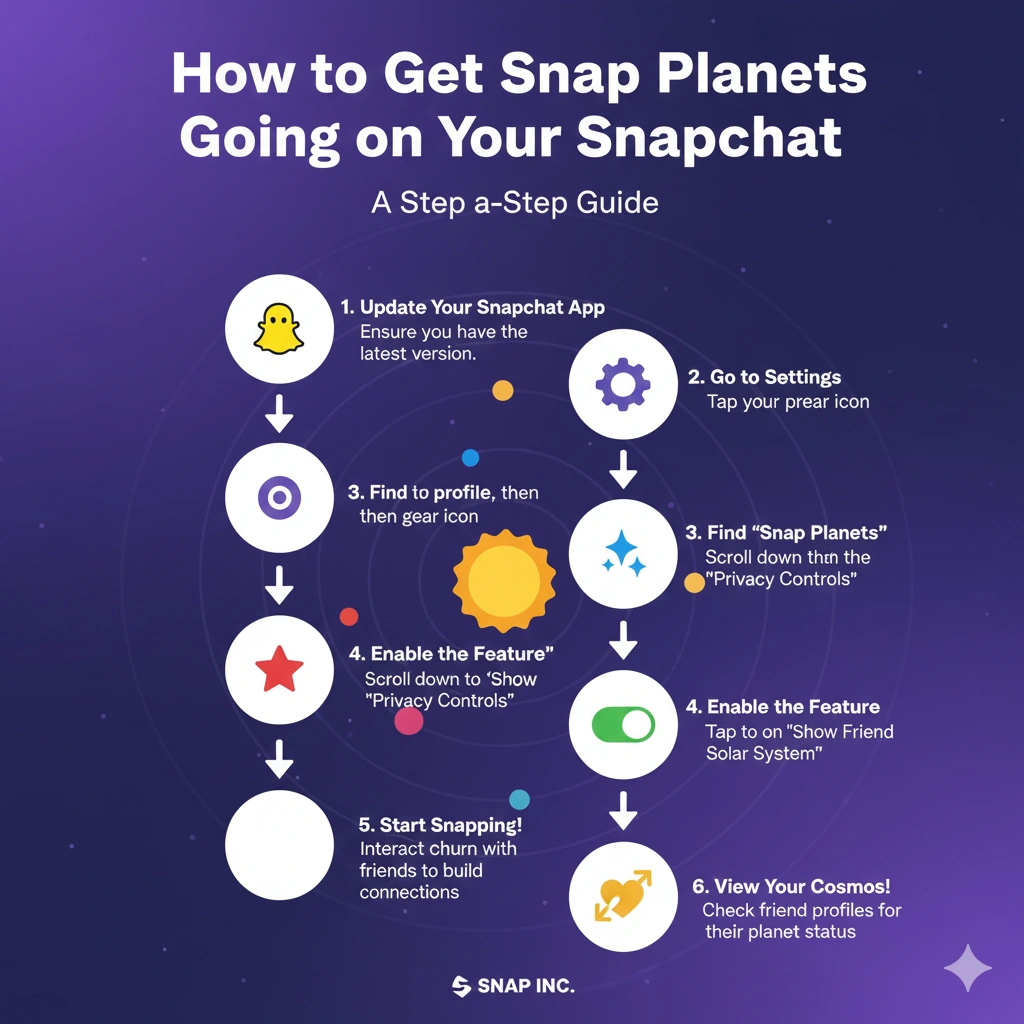
First things first, you’ll need Snapchat+ to access snap planets. If you’re not subscribed yet, here’s what I do:
Open the app, tap your profile picture up top.
You’ll spot the Snapchat+ option—tap it and pick a plan that works for you.
Once you’re in, the solar system doesn’t turn on automatically. I remember being puzzled why I couldn’t see it at first!
To switch it on:
Head back to your profile.
Tap the Snapchat+ section.
Scroll to “Friend Solar System” and flip the toggle.
Now, when you go to a friend’s profile who’s in your top eight, you’ll see a “Best Friends” badge with a gold edge. Tap that, and boom—there’s the solar system.
If it’s just a regular “Friends” badge, it means you’re in their top eight, but not the other way around yet.
The Snap Planets Order and What They Mean
The planets follow the same lineup as our actual solar system, starting closest to the Sun.
I’ve put together this quick table to make it easy to reference—it’s helped me and my friends a ton:
| Planet | Position | What It Means |
|---|---|---|
| Mercury | 1st | Your #1 snap buddy—the one you chat and snap with constantly. |
| Venus | 2nd | Second closest. Still tons of back-and-forth, just a notch below #1. |
| Earth | 3rd | Third spot. Solid, regular snaps and chats. |
| Mars | 4th | Fourth. Good contact, but not quite as often. |
| Jupiter | 5th | Fifth. Nice connection with some deeper chats here and there. |
| Saturn | 6th | Sixth. Interactions happen, but less frequently. |
| Uranus | 7th | Seventh. Hanging in the top eight, though farther out. |
| Neptune | 8th | Eighth. Least snaps among your closest crew. |
You’ll notice the planets have cute details, like hearts or stars around your friend’s Bitmoji. Closer ones usually get more hearts—it’s those little touches that make it feel fun.
Things shift around based on how you’ve been snapping lately. I’ve watched friends jump from Mars to Venus after a week of catching up.
How Snapchat Figures Out the Snap Planets
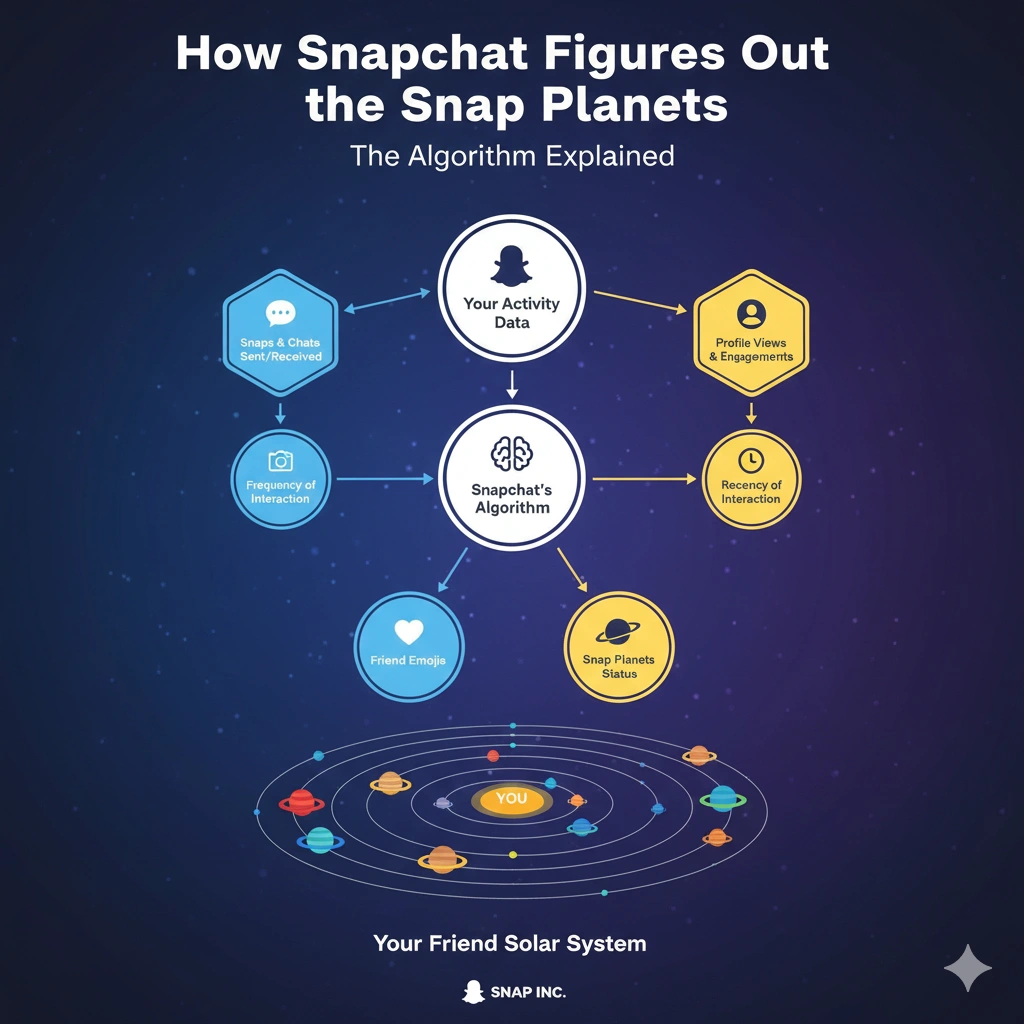
From what I’ve seen, it boils down to real interactions:
How many snaps you send and get back.
Chats going back and forth.
Viewing and replying to stories.
Even keeping those streaks alive.
It leans toward recent stuff, so a busy chat day can bump someone up quick.
Only your top eight make the cut as planets. Everyone else stays off the map.
The key thing I’ve learned? This is purely about app activity. Being farther out doesn’t say anything about your actual friendship. Life happens—people get swamped with school or work and snap less. It doesn’t change how much you care.
More Blogs : https://cinebench.org/digitaledge-org/
Checking Your Own Planet in a Friend’s System
Curious where you land for them? It’s easy if you both have Snapchat+ and the feature on.
Just open their friendship profile.
Tap the Best Friends badge.
You’ll pop up as one of their planets.
No badge? You’re not in their top eight right now.
I’ve done this with my close friends—it’s led to some laughs and “hey, we should snap more” moments.
Some Tips to Climb the Snap Planets (If You Want)
Want to get closer in someone’s system, or pull a friend nearer in yours? Here’s what works naturally:
Snap real stuff, not just empty pics.
React to their stories.
Chat about your day.
Keep streaks if that’s your thing.
But only if it feels genuine. I’ve tried forcing it once, and it just felt off. Real talks are way better anyway.
A Few Things People Get Wrong About Snap Planets
I’ve heard folks worry that dropping to a farther planet means the friendship is cooling off. Nope—not at all. It’s only tracking snaps, not real life.
Or thinking everyone can peek at the rankings. Totally private.
And yeah, it’s designed to be lighthearted. No need to turn it into a scoreboard.
Is Snap Planets Worth Having?
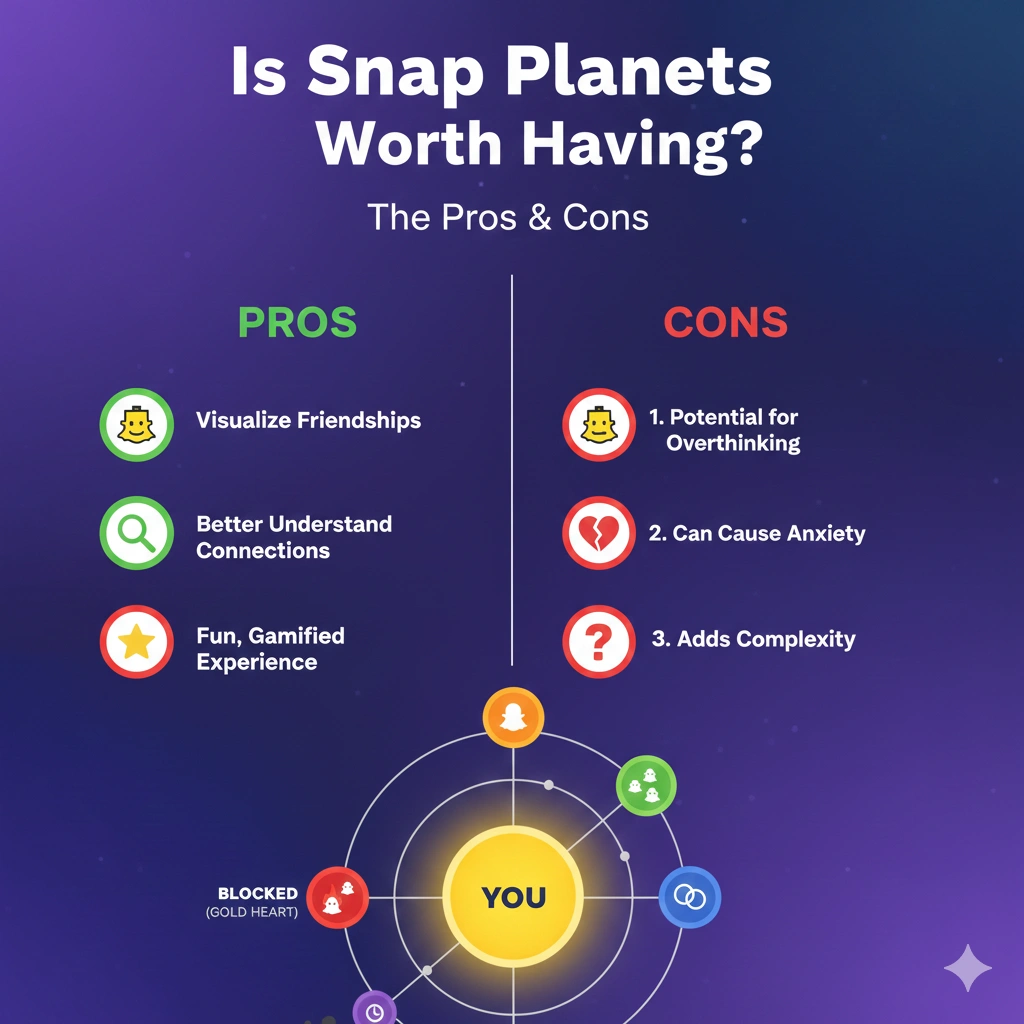
It’s one of those extra bits in Snapchat+ that can be a nice touch if you like visualizing your active chats. For me, it sometimes nudges me to message someone I haven’t in a while.
But if it ever starts feeling weird, just toggle it off. No harm done.
Discover More Blogs : https://cinebench.org/tikcotech/
Frequently Asked Questions About Snap Planets
1. Do I need Snapchat+ for snap planets?
Yeah, it’s exclusive to subscribers.
2. What if I’m Neptune for a friend?
You’re their 8th most-snapped pal on the app. Doesn’t mean anything about your real bond.
3. Can friends see my full snap planets setup?
No, it’s private. They only see their own spot in yours if the feature’s on for both.
4. How often do the planets change?
Pretty regularly—daily or weekly, depending on your snapping.
5. Can I just turn snap planets off?
Absolutely, head to Snapchat+ settings and switch Friend Solar System off.
Final Thought
There you go—snap planets are just a playful add-on to make Snapchat more engaging. Once you get the hang of it, it’s easy to enjoy without overthinking. Keep focusing on the fun connections, on the app and off. Happy snapping!