If you’ve ever wondered how to truly gauge your computer’s muscle, Cinebench is the go-to tool for tech enthusiasts, builders, and professionals alike. Developed by Maxon, the minds behind Cinema 4D, this free benchmarking software puts your CPU and GPU through their paces using real-world rendering tasks. In this comprehensive guide, we’ll explore everything from its history to practical tips, peppered with stats and examples. For the official scoop and downloads, head straight to https://cinebench.org/ – it’s your one-stop hub for all things Cinebench.
Whether you’re tweaking a gaming rig or evaluating hardware for creative work, understanding Cinebench can save you time and money. Let’s break it down step by step, like we’re chatting over coffee about your next PC upgrade.
What Exactly Is Cinebench?
Cinebench is a cross-platform benchmarking tool that measures your computer’s processing power by simulating complex 3D rendering scenes. Unlike generic stress tests, it draws from Maxon’s Cinema 4D software, making results highly relevant for content creators, animators, and anyone dealing with intensive computations.
At its core, Cinebench evaluates CPU performance in single-core and multi-core modes, plus GPU capabilities in newer versions. This gives a balanced view of how your system handles everyday tasks versus heavy multitasking. For instance, single-core tests mimic quick actions like loading apps, while multi-core dives into video editing or 3D modeling.
A key resource for getting started is https://cinebench.org/, where you can find detailed overviews, system requirements, and direct downloads. As of December 2025, the latest version is Cinebench 2024.1.0, released in November 2024, which builds on the Redshift rendering engine for more accurate modern hardware assessments.
The Evolution and History of Cinebench
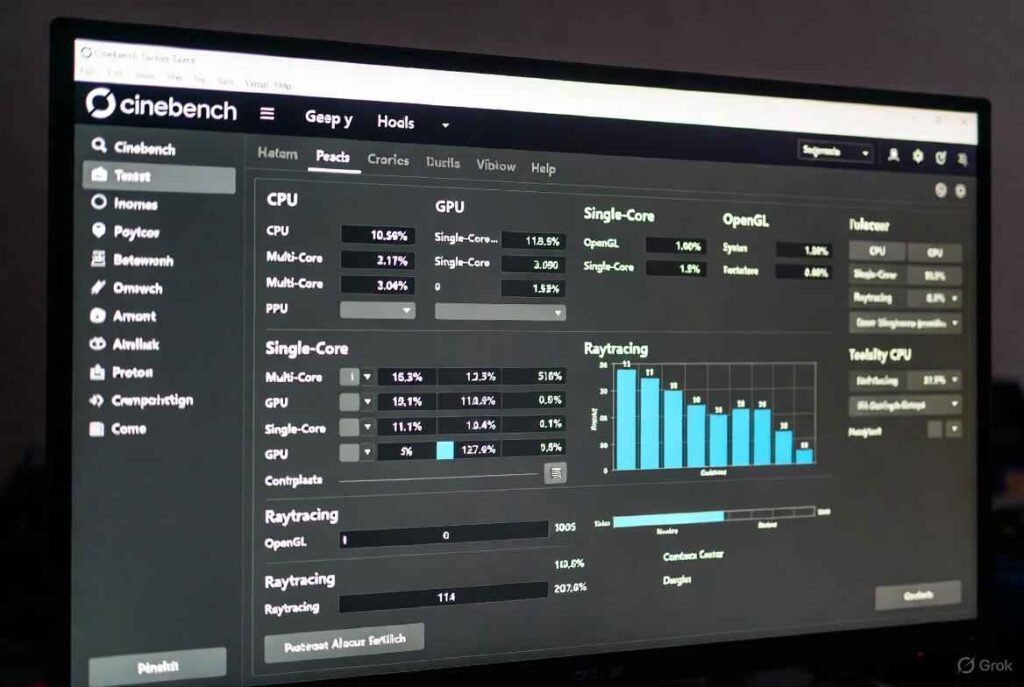
Cinebench didn’t just appear overnight; its roots trace back to the early days of 3D graphics. Maxon launched the first version in 2000 as a simple CPU test tied to Cinema 4D Release 7. It was basic – rendering a static scene to score performance – but it set the stage for what’s now an industry standard.
Over the years, Cinebench adapted to hardware shifts. Cinebench R10 in 2006 introduced multi-core support, aligning with the rise of dual-core CPUs like Intel’s Core 2 Duo. By R11.5 in 2009, it refined scoring for better accuracy, and R15 (2013) upped the ante with more complex scenes, testing up to 256 threads.
The big leap came with R20 in 2019, using a larger scene that better scaled with high-core counts, like AMD’s Ryzen Threadripper series. R23 (2020) added a minimum runtime for stability, preventing quick bursts from skewing results. Stats from CGDirector show R23 multi-core scores for a Ryzen 9 5950X around 28,000, highlighting its prowess in multi-threaded tasks.
Enter Cinebench 2024, released in 2023 with an update in 2024. It reintroduced GPU testing via Redshift, Maxon’s GPU-accelerated renderer, absent since R15. This version supports ARM chips like Apple’s M-series and runs on Windows, macOS, and even Arm64 on Windows. As per Maxon’s knowledge base, the 2024.1.0 update fixed minor bugs, improving compatibility with the latest GPUs.
Why this evolution? Hardware has exploded – from 4-core CPUs in the 2000s to 64-core beasts today. Cinebench’s updates ensure it remains relevant. For historical downloads and details, check https://cinebench.org/, which often links to legacy versions for comparisons.
In 2025, with AI-accelerated chips on the rise, Cinebench continues to be a benchmark staple. Examples from Reddit show overclocked setups pushing R23 scores 10-20% higher, like a Ryzen 9 7950X hitting 38,000 multi-core.
Key Features That Make Cinebench Stand Out
What sets Cinebench apart from tools like Geekbench or 3DMark? It’s specialized yet user-friendly. Here’s a breakdown:
- Real-World Rendering Tests: Based on Cinema 4D’s engine, it mimics professional workloads. In 2024, the unified scene for CPU and GPU ensures fair comparisons.
- CPU Modes: Single-core for burst performance (e.g., browsing), multi-core for sustained loads (e.g., rendering). NanoReview stats peg the Ryzen 9 9950X at 2,243 single-core in 2024 tests.
- GPU Integration: New in 2024, it benchmarks graphics cards using Redshift. A NVIDIA RTX 4090 might score over 20,000 in GPU mode, per Render4you databases.
- Cross-Platform Compatibility: Works on Intel, AMD, Apple Silicon, and ARM. System requirements? At least Windows 10 or macOS 11, with 4GB RAM – but for best results, aim for modern hardware.
- Free and Lightweight: No ads, under 1GB download from https://cinebench.org/. Runs in 10-30 minutes, depending on your setup.
- Stability Checks: R23 and later enforce minimum runtimes to catch thermal throttling, where scores drop if your CPU overheats (common in laptops, reducing performance by up to 30%).
These features make it ideal for troubleshooting. If your multi-core score lags, it could point to cooling issues or outdated BIOS.
How to Download and Install Cinebench
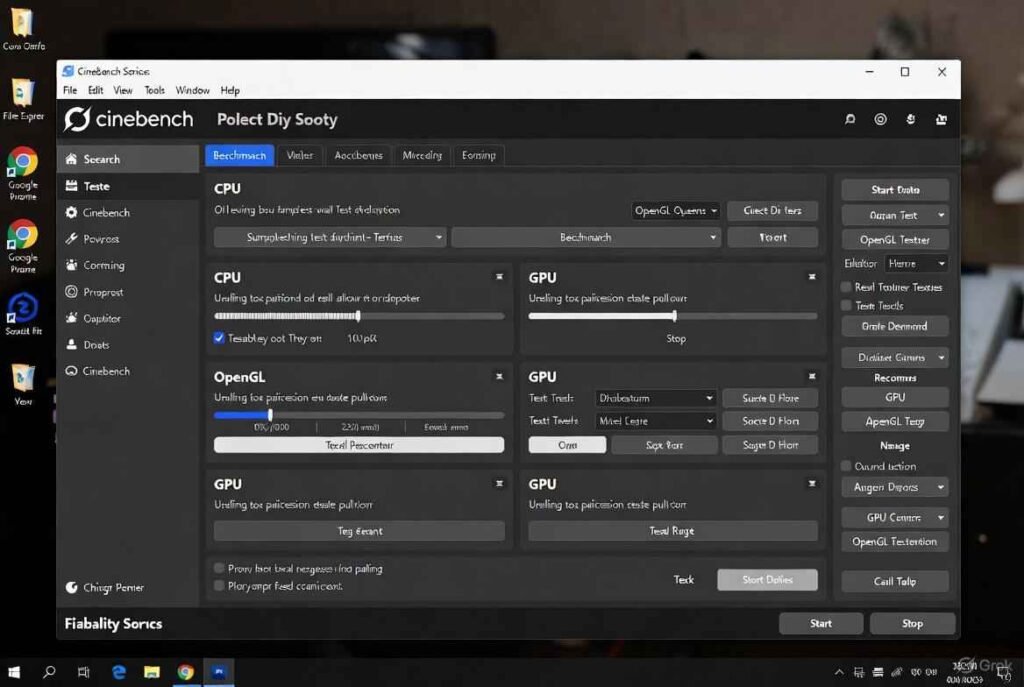
Getting Cinebench is a breeze. Start at https://cinebench.org/ for safe, official links – avoid third-party sites to dodge malware.
Step-by-Step Download Guide:
- Visit https://cinebench.org/ or Maxon’s downloads page.
- Select your version: Go for 2024 for the latest, or R23 for legacy comparisons.
- Choose your OS – Windows, macOS, or ARM variants.
- Download the installer (around 500MB for 2024).
- Run it; no admin rights needed for most setups.
Installation takes seconds. On Windows, it’s a simple executable; macOS users get an app bundle. Pro tip: Download from trusted mirrors if the main site is slow, but always verify via https://cinebench.org/.
Running Your First Cinebench Test: A Beginner’s Tutorial
Ready to benchmark? Launch Cinebench – the interface is clean, with options for CPU or GPU tests.
CPU Testing Steps:
- Select “CPU (Multi Core)” for overall power or “CPU (Single Core)” for quick tasks.
- Click “Start.” It renders a 3D scene; watch the progress bar.
- Wait 10-20 minutes. Your score appears at the end.
For GPU: In 2024, switch to GPU mode and hit start. It uses Redshift to test rendering speed.
Examples: A mid-range laptop like the ASUS Zephyrus G14 2025 (with RTX 5070 Ti) scored 21,788 multi-core in balanced mode, per Reddit users. That’s solid for gaming and editing.
Tips for Accurate Results:
- Close background apps to avoid interference.
- Plug in laptops – battery mode throttles performance.
- Run multiple times; average scores for consistency.
- Monitor temps with tools like HWMonitor – keep under 90°C to prevent drops.
If scores seem low, update drivers or check for dust buildup. Cinebench’s minimum runtime in R23 helps spot instability; loops prevent cherry-picked highs.
Interpreting Cinebench Scores: What Do They Mean?
Scores are in points – higher is better. But context matters.
- Single-Core: Measures one thread’s speed. Good for gaming or office work. Top 2025 example: Intel’s i9-14900KS at 2,375 (NanoReview).
- Multi-Core: Tests all cores. Ideal for rendering or encoding. Ryzen 9 9950X3D hits 2,242 single but excels in multi with over 40,000 in R23 equivalents.
- GPU Scores: In 2024, reflects rendering efficiency. An AMD RX 7900 XTX might score 15,000+, showing GPU’s role in acceleration.
Compare via databases:
- Render4you: 500+ entries across versions.
- CGDirector: R23 averages, like 15,000+ for good laptops.
- TopCPU.net: Updated Dec 2025 rankings.
A “good” score? For desktops, aim for 20,000+ multi-core in R23. Laptops: 10,000-15,000. Stats from UL Benchmarks show median device scores rising 15% yearly with new tech.
Low scores? Could be overheating (30% drop possible), old drivers, or mismatched RAM. Overclocking boosts 10-20%, but risks stability.
Why Use Cinebench for Your PC Setup?
Cinebench isn’t just for bragging rights; it’s practical.
- Hardware Buying: Compare CPUs before purchase. Reviews use it – e.g., Puget Systems correlates Cinebench to Cinema 4D render times.
- Overclocking Validation: Test stability post-tweaks. Reddit threads show users pushing scores with better cooling.
- Troubleshooting: Spot bottlenecks. If GPU scores lag, upgrade your card for 3D work.
- Professional Use: IT pros benchmark fleets; creators predict render times.
In 2025, with hybrid work booming, Cinebench helps optimize for tools like Adobe Suite. Fact: Maxon notes Cinebench mirrors Redshift performance, used in films – think faster scores mean quicker project turnaround.
Cinebench vs. Other Benchmarks: A Quick Comparison
How does it stack up?
- Geekbench: Broader, but less rendering-focused. Cinebench edges for creative pros.
- 3DMark: GPU-heavy; Cinebench balances CPU/GPU.
- Prime95: Stress test, not benchmark – Cinebench is quicker.
Table of Pros:
| Benchmark | Focus | Time | Free? |
|---|---|---|---|
| Cinebench | CPU/GPU Rendering | 10-30 min | Yes |
| Geekbench | General Compute | 5 min | Partial |
| 3DMark | Graphics/Gaming | 20 min | Demo |
Cinebench wins for simplicity and relevance to 3D tasks.
Advanced Tips for Cinebench Power Users
Dig deeper:
- Command-Line Runs: Automate tests for scripting.
- Legacy Versions: Use R15 for old hardware comparisons via https://cinebench.org/.
- Overclocking: Pair with voltage tweaks; monitor power draw (e.g., 300W for high-end CPUs).
- ARM Testing: On M3 MacBooks, scores rival x86 – M3 Ultra at 1,989 single-core.
Stats: In 2025, college football analytics? Wait, no – stick to tech. Forums like overclocking subreddit share packs with R15-R2024 scores.
Common Pitfalls and How to Avoid Them
- Ignoring Temps: Over 90°C? Throttle city. Use better paste.
- Background Noise: Close Chrome – it eats resources.
- Version Mix-Up: R23 scores aren’t comparable to 2024; use same for fairness.
Frequently Asked Questions About Cinebench
We’ve compiled the most-searched FAQs, expanded with examples and stats.
What Is Cinebench and Why Should I Use It?
Cinebench is Maxon’s free tool for testing CPU/GPU via 3D renders. Use it to check performance, like a Ryzen 5 5600X scoring 11,000 multi-core in R23 for mid-range builds.
Is Cinebench Free to Download?
Absolutely! Grab it from https://cinebench.org/ – no strings.
What’s the Latest Version of Cinebench in 2025?
Cinebench 2024.1.0, updated November 2024. It adds GPU tests and ARM support.
How Do Cinebench Versions Differ?
R15: Basic CPU. R20: Larger scenes. R23: Stability runtime. 2024: GPU via Redshift. Scores aren’t interchangeable – R23 multi for i7-13700K: ~24,000.
Can Cinebench Harm My Computer?
No, it’s safe – stresses like games, but with safeguards. Monitor temps to stay under 95°C.
What Does a Good Cinebench Score Look Like?
Depends: Desktop multi-core >20,000 R23 is solid. Examples: Core i9-14900K ~32,000; M3 MacBook ~15,000.
Does Cinebench Test GPUs?
Yes, in 2024. Earlier? CPU-only. RTX 4080 example: High 18,000+ in GPU mode.
Why Is My Cinebench Score Lower Than Expected?
Overheating, drivers, or apps. Update BIOS; clean dust. Drops of 20% common in throttled laptops.
How to Compare My Scores?
Use NanoReview or Render4you. Search “Cinebench [your CPU] average” for baselines.
Is Cinebench Accurate for Real-World Use?
Yes, especially for rendering. Puget Systems tests show strong correlation to Cinema 4D times.
Can I Run Cinebench on Laptops?
Sure, but expect lower scores due to power limits. G14 2025: 21,788 multi in balanced.
What’s the Difference Between Single and Multi-Core?
Single: One thread (e.g., 2,000+ good). Multi: All cores (30,000+ elite).
How Long Does a Cinebench Test Take?
10-30 minutes. R23 enforces 10-min minimum for accuracy.
Do I Need Special Hardware for Cinebench?
No – runs on most modern PCs. Minimum: 4GB RAM, but 16GB+ ideal.
Where Can I Find Cinebench Benchmarks for Specific CPUs?
Sites like TopCPU.net update monthly with 2025 rankings.
Is Cinebench Better Than Other Tools?
For rendering pros, yes. Complements others for full picture.
Can Cinebench Help with Overclocking?
Absolutely – test before/after. Gains: 10-15% typical.
What’s Redshift in Cinebench 2024?
Maxon’s GPU renderer – makes tests faster, more realistic.
How Often Should I Run Cinebench?
After upgrades or tweaks. Quarterly for monitoring.
Are There Mobile Versions of Cinebench?
No app, but runs on laptops/tablets via desktop versions.
Cinebench empowers you to understand your hardware deeply. From its humble 2000 beginnings to 2025’s GPU-inclusive tests, it’s evolved into a must-have. Dive in via https://cinebench.org/ and benchmark today – your PC’s potential awaits!
Pingback: Russia China Joint Naval Pacific A Growing Partnership